
AddoBAR is now on Linux
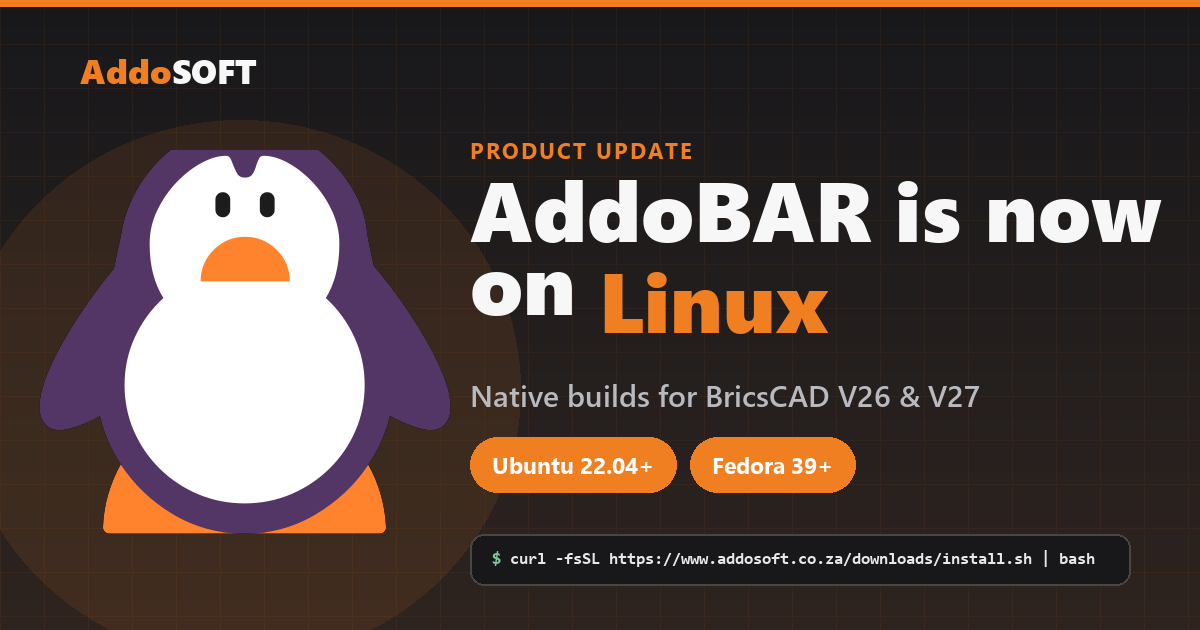
Your workstation, minus Windows. AddoBAR now runs natively on Linux.
Native AddoBAR builds are here for BricsCAD V26 and BricsCAD V27 on Linux — so your detailing rig can finally be a quiet, focused workstation instead of a Windows machine that happens to run CAD.
Let's be honest about why you're here. You didn't come for a penguin logo — you came because the machine you draw on has slowly stopped feeling like yours.
Tired of the machine getting in the way?
If you detail reinforcement for a living, your computer has exactly one job: open the drawing, run the tools, get out of the way. But somewhere along the line the tool started fighting back:
- A forced restart the morning of a deadline — "Working on updates, 27%…"
- Background processes you never asked for, eating RAM your model needs.
- Telemetry, ads in the Start menu, and a new "feature" every quarter you have to switch off.
- An OS that treats a professional workstation the same as a living-room laptop.
None of that has anything to do with detailing steel. It's noise. And more and more of the engineers and detailers we talk to have quietly moved their workstations to Linux to get rid of it.
A pure workstation, on purpose
Linux gives you a machine that does what you tell it and nothing else. No forced reboots mid-schedule. No telemetry. No surprise UI changes. You decide when things update, how the desktop looks, and where every cycle of your CPU goes — and for CAD work, that restraint is the whole point:
- It stays out of your way. Boot, draw, close. No pop-ups, no nagging, no "let's finish setting up your PC".
- It's fast and it stays fast. A lean install doesn't rot over a year of use.
- You're in control. Updates happen when you run them — not the night before an issue date.
- It respects the hardware. More of your RAM and cores go to your model instead of the OS.
The only thing that's been missing is the detailing toolkit. Until now.
What we shipped
AddoBAR — our reinforcement-detailing plugin — now has native Linux builds for BricsCAD V26 and BricsCAD V27. Not a compatibility layer, not a workaround: the same rebar tools you already know, running as a first-class BricsCAD plugin on Linux.
Installing it is a single line in your terminal — no root, no ceremony:
$ curl -fsSL https://www.addosoft.co.za/downloads/install.sh | bash
The installer drops the plugin into ~/AddoSOFT/AddoBAR, asks which BricsCAD version you run,
and registers AddoBAR in your profile. Prefer to do every step by hand? There's a full manual guide too.
Your licence already covers this
Switching a workstation to Linux shouldn't cost you anything. Your existing AddoBAR licence key works on Linux exactly as it does on Windows — no separate purchase, no new key. Activate on your Linux box and keep detailing.
Who this is for
If you've been eyeing a clean, distraction-free workstation but felt locked to Windows because that's where your tools live — this is the update you were waiting for. Spin up Ubuntu or Fedora, install BricsCAD V26 or V27, run one command, and your rebar workflow comes with you.
Ready to go Windows-free?
One command, your existing licence, and you're detailing on Linux.
Get the install guide Talk to usQuestions about running AddoBAR on Linux, or a distro you'd like us to support next? Email ruan@addosoft.co (Ruan Venter, Lead Software Architect) or call +27 (0)60 528 6611. We'd love to hear what you're building.